
Data and Systems Integration
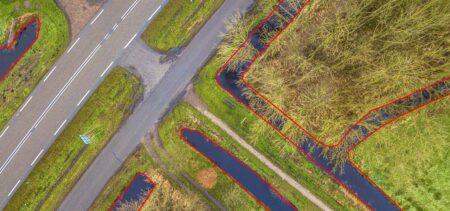
The technology behind Check M.App designed to connect various data sources and systems. Findings from, for example, land-use change detection, remote sensing other analyses are automatically imported and linked to additional information. Examples include:
- permits and case management systems
- aerial photos, panoramic or oblique images
- existing records or other geodata
- detection results from analytical models
The application can connect directly to databases and web services, automatically retrieving and displaying information. This provides a comprehensive overview of a situation without requiring users to manually gather data from different systems.
Workflow-driven assessment
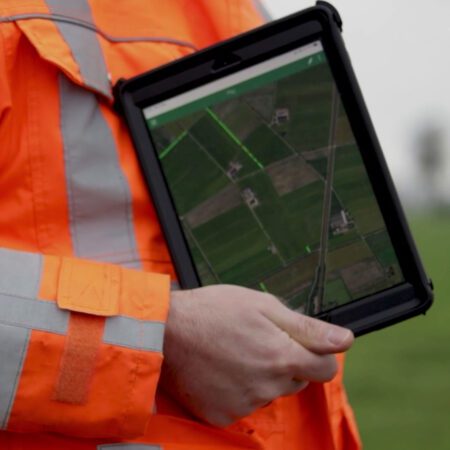
Check M.App not only a map viewer but also a workflow environment. Detections are automatically added to a task list and assigned to employees or subject matter experts. Each detection is then presented along with the relevant context and decision-making information.
The application supports a rapid review cycle in which users can view and assess a detection and immediately move on to the next case. The system records who performed the review and what the result was. This creates a transparent and reproducible process.
AI-assisted detection
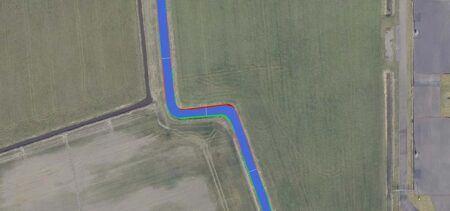
To further speed up the assessment process, Check M.App AI-powered support. An AI agent analyzes detections and automatically assigns an initial classification, known as a "prestatus."
This initial indication helps employees determine more quickly which situations require attention and which are less urgent. The number of detection types that can be assessed by AI is constantly expanding, enabling the system to provide increasingly effective support in processing large volumes of detections.
How Check M.App Works
- Detections are automatically assigned to subject matter experts.
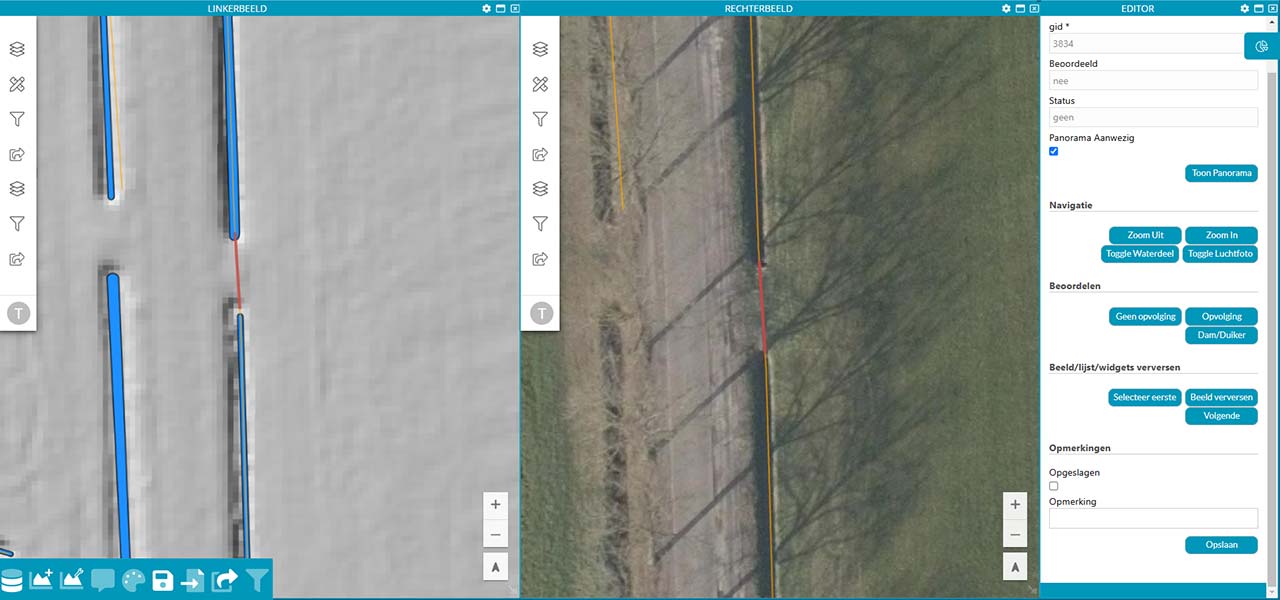
- Each detection appears in a task list along with contextual information and environmental data.
- A quick visual inspection allows for an immediate assessment.
- After each assessment, the next scenario is automatically presented.
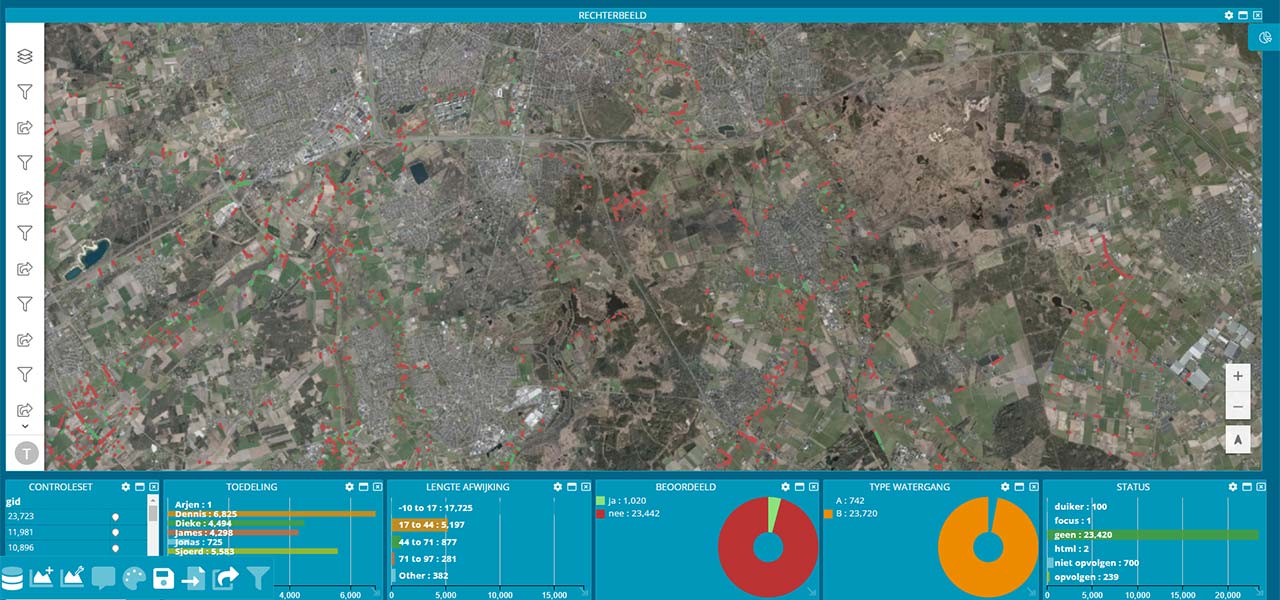
- A dashboard shows which detections have been reviewed, by whom, and with what result.
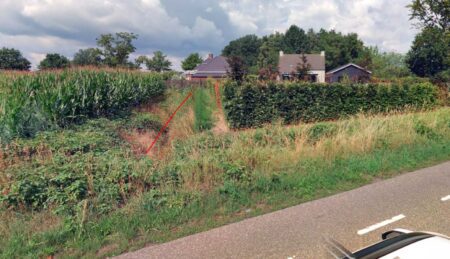
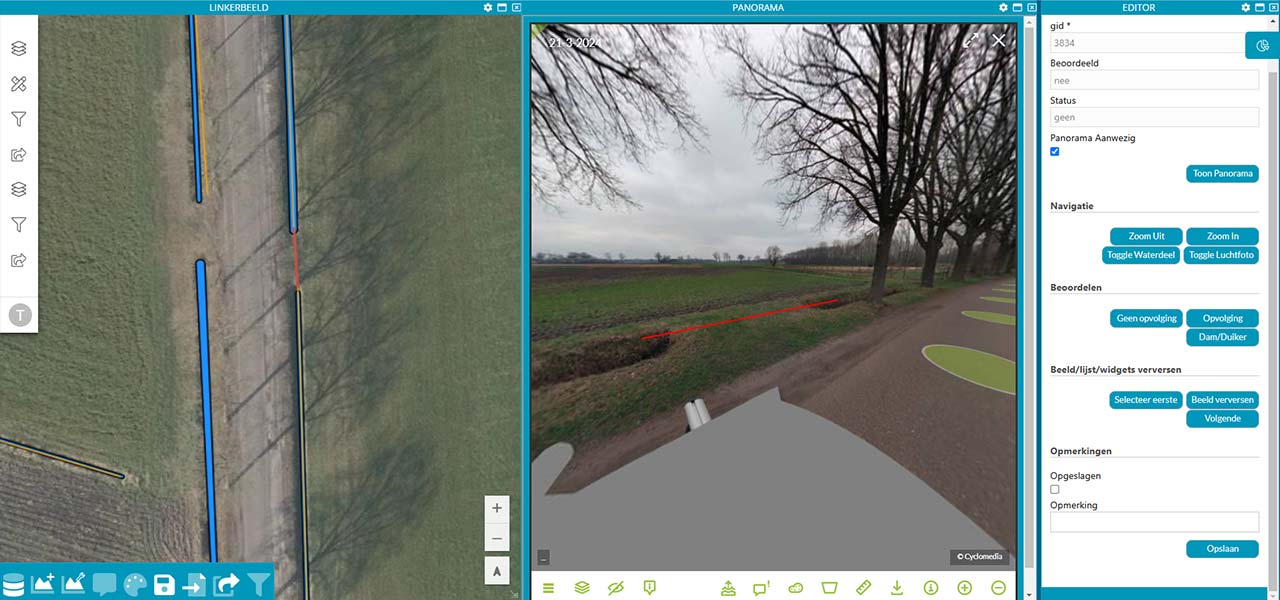
- For added verification, the area can be viewed virtually using panoramic images.
- Once completed, the results will be automatically made available via a web service or download.
- Rating categories can be easily adapted to your own workflow.
Results are immediately available for subsequent processes
After evaluation, the results are automatically processed and made available to other systems and processes. This can be done via web services, downloads, or integrations with other applications.
This allows follow-up actions to be initiated immediately, such as:
- transferring changes to records
- generating reports
- overseeing enforcement or field inspections
In this way, Check M.App serves as Check M.App link between data-driven detection and operational decision-making.
In what kind of environment do you use Check M.App?
Check M.App with existing data and systems and serves as a flexible link within the geodata infrastructure. The application supports, among other things:
- Direct integration with databases and web services.
- Seamless integration with detection models
- Application in various geographic regions.
- Integration with your own records and data sources.
- Processing and evaluation of external detection results in an open format.
- Automatic display of linked data sources, such as panoramic and oblique images, upon detection.
Try Check M.App
Would you like to see how Check M.App can simplify Check M.App work, or how we can help you automate your business processes? Send Tjip an email atimagem or send us a message via our contact form.