Next-generation geospatial intelligence
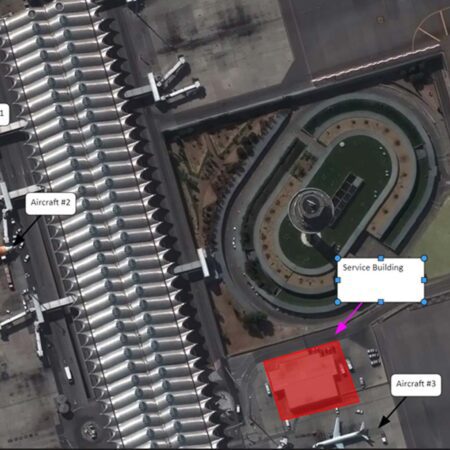
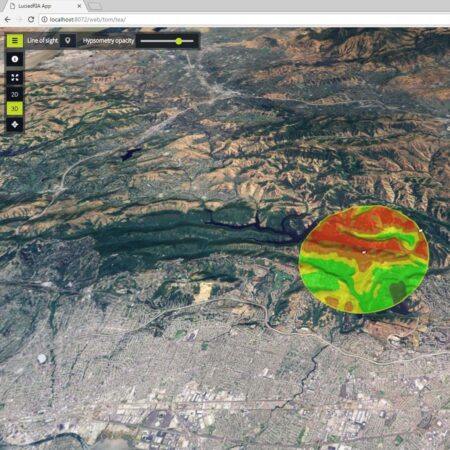
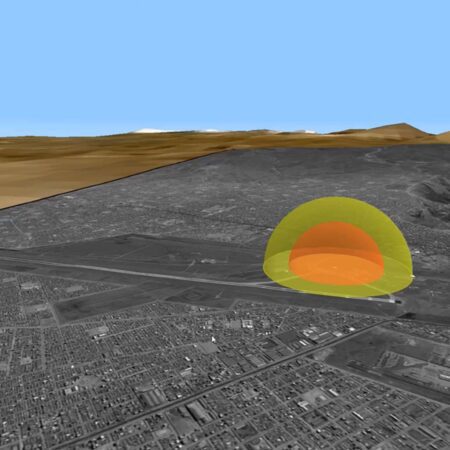
Image analysts are accustomed to working with large amounts of data and conducting their research based on current satellite imagery and other sources. With M.App X, this can be done directly from a browser, linked to a central storage environment. This makes data management much simpler and less time-consuming. The specialized web interface also ensures that frequently used analysis functions can be accessed directly via function buttons. Examples include line-of-sight analysis, cross-country mobility assessment, or helicopter landing zone determination. In addition to analysis, M.App X offers all the powerful annotation and reporting capabilities that an imagery analyst expects.
Geospatial intelligence 2D and 3D
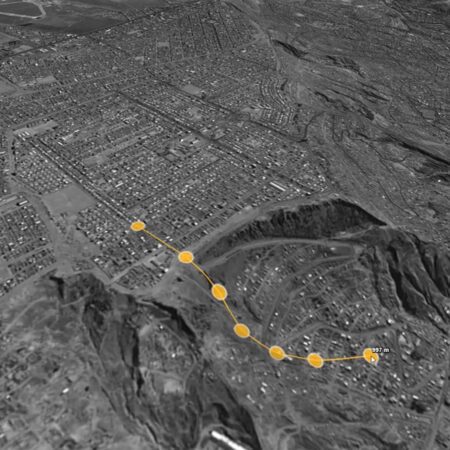
M.App X is powered by the powerfulLuciad , which allows users to view and analyze all information not only in 2D but also in 3D. This makes line-of-sight analysis much clearer and enables routes to be determined in 3D. Switching between 2D and 3D is seamless, just like switching between the original aspect ratio (image space) and projection onto the map (map space). Thanks to the advanced engine, it is possible, for example, to measure the height of a building directly in a satellite image from a 2D view.
Greatly simplified management
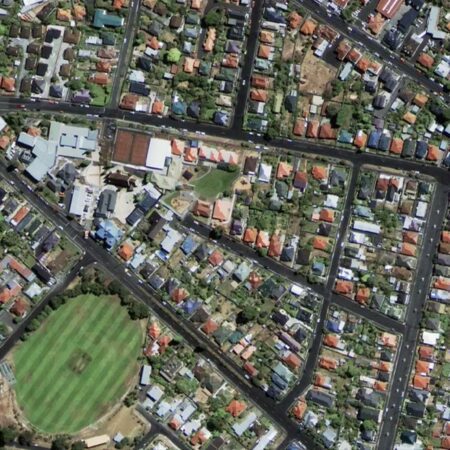
Reduce administrative overhead with M.App X. Thanks to its client-server architecture with centralized configuration, administrative overhead is significantly reduced. All data is made available in a single location, and even the interface design and specialized process models are managed centrally. Once this is complete, all data and analysis capabilities are immediately available to all connected end users, who can access them via a standard browser.
Expand M.App X with your own analyses
See for yourself what M.App X can do for you. The standard installation already includes a wide range of commonly used analyses for image analysts. Thanks to the integration of the Spatial Modeler engine, you can also add your own analysis and process models. These are designed in the desktop versions ofERDAS or GeoMedia and then made available within M.App X as function buttons. This allows you to configure M.App X entirely to your own specifications, making anything possible.
Would you like more information about M.App X?
Visit the website of our partner, Hexagon . IMAGEM the official distributor of M.App X and other Hexagon software in the Benelux.
Have questions or want to get started together?
With our knowledge, experience, and approach, we’re happy to help you explore, analyze, and develop solutions to your challenges. Ready to get started? Give us a call or leave your contact information. We’d love to work with you.