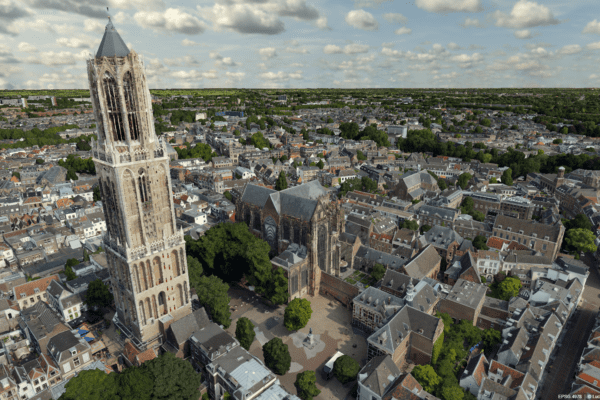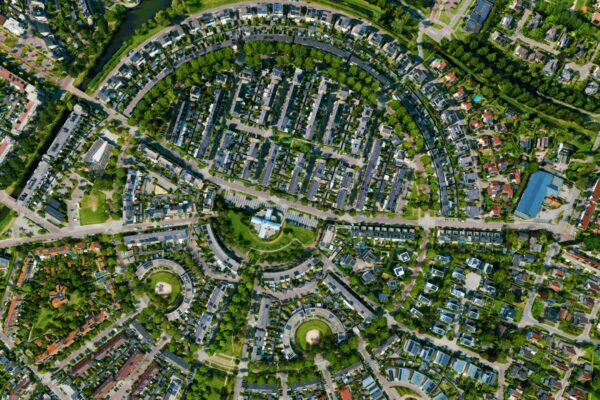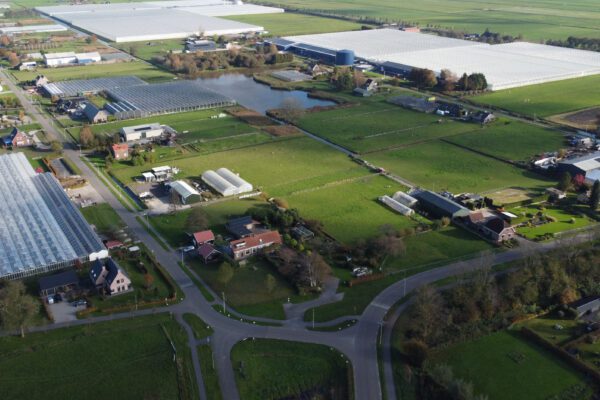

The quality of aerial, satellite, and point cloud data improves every year. However, this improved quality also has a downside: it causes the volume of geodata to grow exponentially. Higher resolutions—from 10 cm photos to 5 cm—mean a fourfold increase in file size. Greater overlap, more flight passes (now including drone data), and additional spectral bands (such as infrared) are also driving the growth of geodata. It’s happening fast!
This is great news for users of this data, but a nightmare for the administrator. The growth is so rapid that simply requesting more storage space is no longer enough. Storage space isn’t free—not locally, and certainly not in the cloud. It therefore makes sense to look for a different approach that can save space.
In addition to the massive growth in data, the biggest complaint and frustration we hear time and again is the workload involved in generating tile caches for the video footage. This takes an enormous amount of time and also increases your storage capacity.
More storage capacity isn't the solution; less data is
The volume of data and its use will continue to grow exponentially in the coming years. Prepare for this and make sure you have a concrete solution to the growing (geo)data challenges of the coming years.
Take advantage of compression! By default, many aerial photo providers deliver their images in ECW format. How convenient! But what do you do with your existing images that haven’t been compressed yet?
Just as you can compress random files into a .ZIP or .7z file, you can do the same with imagery. Aerial photos are mainly used as a visualization layer—in other words, for viewing. In those cases, compressing them into ECW works exceptionally well.
You can effortlessly compress your data to about 5% of its original size without any loss of visual quality. That really makes a difference! For example, you can reduce a 1GB photo to 50MB in a single step. Thanks to ECW’s smart algorithm, your image remains sharp at all scales. This also applies if you want to turn it into a web service and make it available via WMTS. You can do this in just a few clicks, without creating a tile cache.
Both products are very easy to create from over 100 different input formats using GeoCompressor. In addition, GeoCompressor also allows you to compress point clouds and achieve similar reductions in file size. Because GeoCompressor is a standalone application designed exclusively for compression tasks, it makes optimal use of the available hardware. That is why this application is incredibly powerful and fast.
GeoCompressor is also built using the latest technology. Compared to other solutions that can compress to ECW, GeoCompressor is up to 400% faster and can generate ECW v3, allowing you to effortlessly add transparency and avoid unsightly edges.
If you want to continue working with the original data—for example, to perform specific analyses—you can compress it to a format like JPG2000. While this won’t achieve the same level of compression as ECW, it will still significantly reduce the file size by up to 50%.
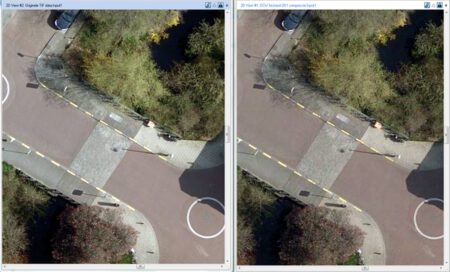
What makes GeoCompressor different from ECW compression in other applications?
There are other applications that can compress to ECW. However, those applications almost exclusively use a very old SDK from 2006.
GeoCompressor has been built using the latest SDK for years, making it not only up to 400% faster, but also dispelling long-standing myths about white borders around files, the inability to update a specific area, or the inability to compress multiple tiles into a single file.
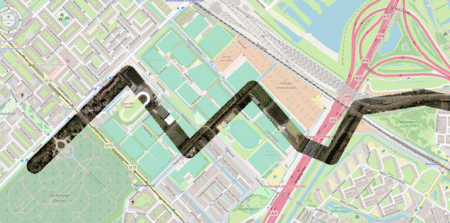
ECW is a proprietary format
ECW is a so-called "proprietary" format. This means that the ECW format has an owner who sets conditions for its use and may charge a fee for using ECW. The developer and owner of the ECW file format is Hexagon .
Getting an ECW registered is free!
Importing ECW files locally (on a desktop) is always free, and virtually all common GIS environments include this capability. Where this is not the case, a vendor can integrate this import capability at no cost. This means you are never locked into a specific application.
So what exactly does an ECW license cover?
A license is always required to use ECW files in a server environment. This applies not only to serving ECW files, but also, for example, when converting ECW files to another format, such as TIFF, using a tile server.
In addition to our own software solutions, we also offer ECW licenses for ArcGIS Server and Geoserver. This means anyone can take full advantage of the ECW format. The benefits of the various ECW solutions far outweigh the cost of the license.
More information
Niels is the Government Market Manager at IMAGEM. He helps government agencies continuously work smarter and more effectively, and fulfills his role by supporting organizations in solving their challenges. Want to learn more? Send Niels an email or send a message via our contact form.

Niels van de Graaf
Government Market Manager